
I know how easy it is to lose track of time when I’m scrolling through social media or binge-watching videos. Suddenly hours have slipped by and I wonder where my day went. If you’ve ever felt the same way you’re definitely not alone.
That’s why I started looking for the best apps to help me monitor my screen time and build healthier habits. With so many options out there it can be tough to know which ones actually work. Let me share some of my favorites that make it easier to take control of my digital life—without feeling overwhelmed.
Why Tracking Screen Time Matters
Tracking screen time helps me understand blue light exposure patterns throughout my day. Digital screens like smartphones, tablets, and laptops emit blue light, with sources including LED displays and energy-efficient lighting. Studies by Harvard Medical School connect prolonged blue light exposure to disrupted sleep cycles and eye strain.
Managing screen habits reduces potential risks such as digital eye strain, headaches, and delayed melatonin production. Research from the American Academy of Ophthalmology links screen time over 7 hours daily to increased symptoms of fatigue and blurred vision.
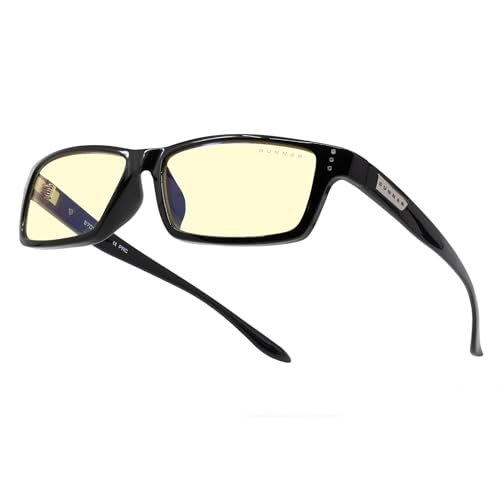
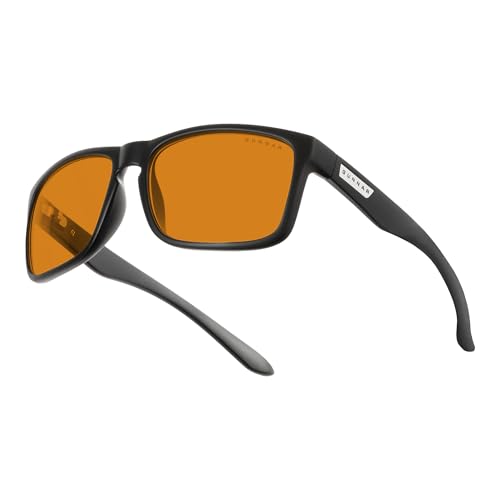
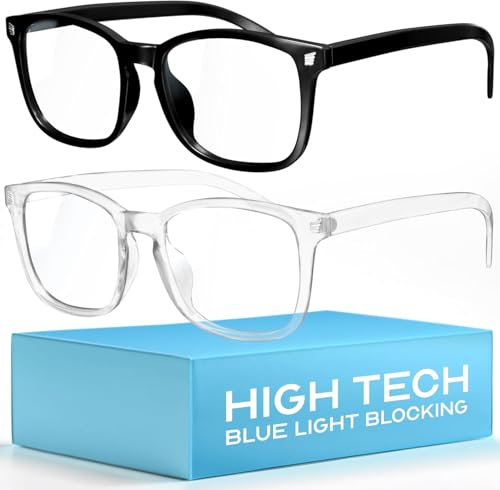
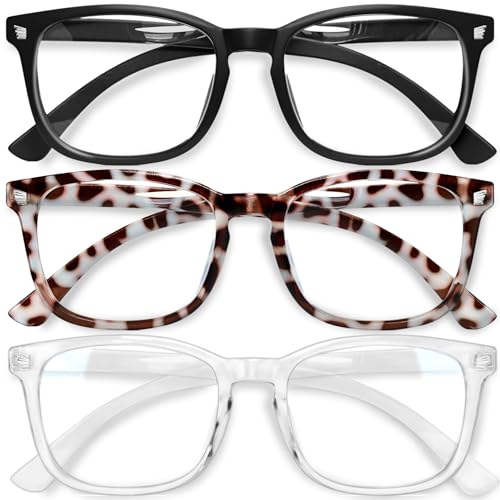
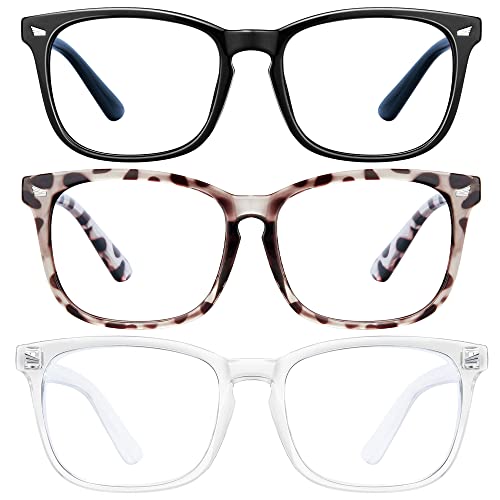
Identifying usage spikes highlights moments when I get the most blue light exposure. Adjusting routines lowers negative effects, especially for those with sleep issues or sensitivity to artificial light. Keeping track of my digital time lets me set boundaries and make decisions, all while staying aware of blue light risks and solutions like blue light glasses.
Top Features to Look for in Screen Time Apps
Monitoring Capabilities
Screen time apps show detailed usage reports, highlighting which apps or websites claim most attention. Customizable daily, weekly, and monthly graphs make patterns clear, letting me spot blue light exposure spikes. Hourly breakdowns make it easy to adjust schedules or add blue light reduction strategies.
App Blocking and Limits
Limiting features let me set time restrictions for specific apps, usually social media or streaming platforms, where blue light exposure spikes. Scheduling downtime during the evening helps protect my sleep cycle from late-night device use.
Device Synchronization




Synchronization options give me a view across smartphones, tablets, and computers. Tracking total screen exposure lets me find when my blue light intake peaks, especially if I switch between work and personal devices.
Notification Alerts
Real-time alerts remind me when I approach screen time limits or exceed recommended usage for high-risk apps. These nudges prompt me to slip on my blue light glasses or take a break, reducing digital eye strain and fatigue.
Insightful Analytics and Trends
Trend analysis tools chart changing habits, highlighting times of day or week with greatest blue light risk. Linking analytics with wearable devices helps monitor effects on my sleep quality and energy levels.



Parental Controls
Parental controls keep children’s blue light exposure in check. Scheduling screen-free periods and reports on app categories make it easier for families to manage healthy digital routines.
Customizable Reporting
Reporting features that let me focus on blue light–rich content or group apps by exposure level make it easier to adjust behavior. Exportable reports help share progress with healthcare providers for more tailored advice.
Best Apps for Tracking Screen Time
Tracking screen time helps me pinpoint when my blue light exposure peaks and which digital habits push those patterns. Selecting the right app also lets me recommend solutions that fit personal needs and reduce health risks from prolonged screen use.
Best for Families: Qustodio
Qustodio provides real-time app usage stats and daily reports for every family member. I use its dashboard to monitor screen time, website visits, and blue light exposure periods across devices. Parental controls restrict access to apps or content during specific hours, minimizing nighttime exposure that disrupts melatonin production. Its activity timeline and instant alerts help families respond quickly to risky usage spikes.
Best for Individuals: RescueTime
RescueTime offers automatic tracking of daily activity across apps, browsers, and software. I rely on its detailed productivity reports, showing me which periods drive the highest blue light exposure. Custom goals block distracting apps after set limits—ideal for reducing eye fatigue by capping late-night Netflix or social media. Weekly email summaries visualize trends, making it easier to adjust routines for healthier habits.
Best for Apple Users: Screen Time (iOS)
Screen Time on iOS integrates seamlessly with iPhones and iPads, displaying clear charts of app use, pick-ups, and notifications. I focus on the “App Limits” feature to cap use of high-blue-light sources in the evening. The built-in “Downtime” mode disables chosen apps after bedtime, supporting research-backed advice for reducing blue light before sleep. Family Sharing lets parents remotely adjust settings for kids’ devices.
Best for Android Users: Digital Wellbeing
Digital Wellbeing appears natively on Android phones and lays out a dashboard summarizing app use, notifications, and unlocks. I set up “Wind Down” to activate grayscale and “Do Not Disturb,” signaling when blue light reduction should start nightly. Focus mode blocks distracting apps, allowing me to enforce screen breaks during important hours. Usage data covers all device activity, aiding total exposure tracking.
Best for Customization: Freedom
Freedom stands out with its multi-platform blocking sessions and scheduling options. I create recurring blocks for all major blue light emitters—social media, streaming, and gaming sites—across my phone, tablet, and computer. Its lockdown mode prevents bypassing session limits, ideal for maintaining strict exposure cutoffs at night. Session history and insights drive ongoing adjustments to my digital routine.
Tips for Effectively Managing Screen Time
Limiting screen exposure after sunset reduces the risk of blue light disrupting natural sleep cycles. I recommend enabling device night modes at least 2 hours before bedtime and using blue light glasses for extra protection in bright environments.
Taking short, regular breaks from screens helps reduce digital eye strain and fatigue. I use the 20-20-20 rule—every 20 minutes, I look at something 20 feet away for 20 seconds—which research supports for minimizing screen-induced discomfort.
Customizing app usage limits targets high-exposure apps like social media or streaming platforms. I block or restrict these apps during typical downtime hours, keeping blue light intake in check and supporting mindful device use.
Synchronizing screen time monitoring across all devices creates a comprehensive view of digital habits. I rely on apps with multi-device support, making sure I’m not replacing phone usage with extra time on a tablet or laptop.
Reviewing detailed usage analytics and blue light exposure data highlights risky patterns. I check weekly reports to identify spikes and adapt my routine by scheduling offline activities or early evening walks.
Involving family in screen management fosters healthier habits and collective accountability. When helping kids, I set shared boundaries and encourage using blue light glasses together, which reinforces positive routines and boosts awareness about blue light risks.
Conclusion
Taking control of my screen time has made a real difference in my daily routine and overall well-being. With the right app and a few mindful changes I’ve found it easier to set healthy boundaries and protect myself from the downsides of too much blue light.
If you’re hoping to build better digital habits or simply want to feel more refreshed every day starting with a good screen time tracker is a smart move. Your eyes—and your sleep—will thank you.
