
I spend a lot of time in front of screens—laptops phones tablets—you name it. Virtual event platforms have become a huge part of my daily routine whether I’m attending a conference or catching up with friends. But lately I’ve started wondering about the impact of all that screen time especially when it comes to blue light.
Blue light is everywhere in our digital lives and I’ve heard it can affect everything from my sleep to my mood. With virtual events making it easier than ever to stay connected I want to explore what all this exposure really means for me and anyone else who spends hours online.
Understanding Blue Light in the Digital Age
Blue light’s everywhere in the digital age, especially for those of us always on laptops, smartphones, or virtual event platforms. Blue light, a short-wavelength, high-energy visible (HEV) light, falls in the 400-490 nanometer range. Screens from devices like LED monitors, tablets, and modern TVs emit significant blue light—higher than most indoor lighting. Stanford research shows typical device screens push out about 35% blue light during normal use.
Exposure to this light spectrum connects to eye strain, also called digital eye strain or computer vision syndrome. Symptoms include dry eyes, headaches, and blurred vision—experiences I often see in people attending online conferences or webinars for hours. Studies by the American Optometric Association highlight that digital device overuse is the primary trigger.
Blue light acts as a regulator for the sleep-wake cycle, or circadian rhythm. In the evenings, high-intensity blue light suppresses melatonin, a hormone needed for restful sleep. Research from Harvard Medical School indicates just two hours of evening device use can reduce melatonin by as much as 22%, for example, impacting sleep quality and next-day alertness.
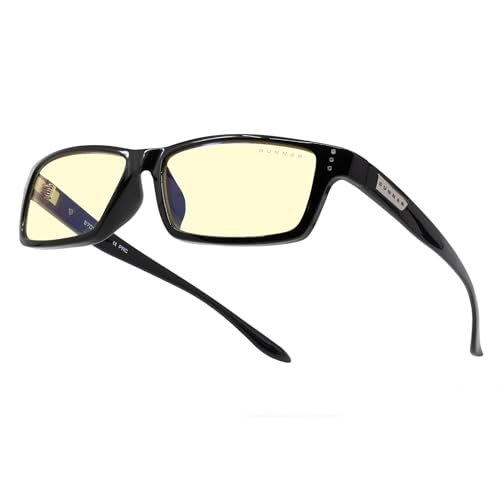
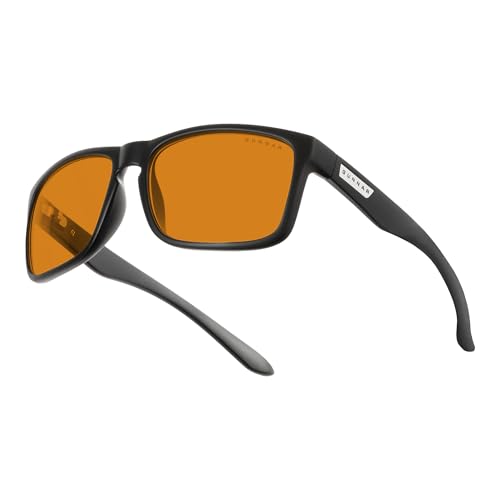
I see interest growing in tools that solve blue light challenges. Blue light glasses, screen filters, and night mode apps can offset exposure. For example, blue light blocking glasses filter between 20% and 40% of these frequencies, according to lens manufacturers like Essilor and Zeiss. Night mode or “warm” settings on screens shift the color temperature, reducing blue-tone emission during sensitive periods.
When digital lives rely on screens, understanding blue light’s impact helps make smarter choices about eye health and sleep.
The Impact of Blue Light on Virtual Event Attendees
Virtual event platforms increase my exposure to blue light from multiple screens. For attendees like me, understanding blue light’s effects helps protect both short-term comfort and long-term health.
Eye Strain and Fatigue
Eye strain and fatigue result directly from blue light emitted by digital displays during virtual events. I’ve observed that prolonged screen time raises the risk of symptoms such as dry eyes, headaches, and reduced focus. Studies from the American Optometric Association confirm that more than 58% of people using digital devices for over 2 hours report digital eye strain. Experiences during multi-hour webinars or virtual conferences often match these findings. Implementing solutions like blue light filtering glasses or adjusting display settings can ease these symptoms, especially for those attending events daily.
Sleep Disruption and Cognitive Effects
Sleep disruption and cognitive effects link to evening blue light exposure from screens while participating in virtual meetings. Blue light suppresses melatonin by up to 85%, according to Harvard researchers, making restful sleep more difficult for frequent online event attendees. Personally, I’ve noticed that attending late virtual sessions can cause me to fall asleep later and feel less alert the next day. Cognitive challenges such as slower reaction times and difficulty concentrating often follow poor sleep quality. Simple changes, such as enabling night mode or wearing blue light glasses after sunset, help reduce these cognitive effects, supporting better attention and memory during and after virtual events.


Features of Virtual Event Platforms That Influence Blue Light Exposure
Virtual event platforms use unique features that directly affect how much blue light a person gets from their screen. I focus on these aspects because small design changes can lower risk and support healthier screen use.
Screen Design and User Interface
Screen design and interface style determine the baseline level of blue light exposure. Bright color palettes, white backgrounds, and high contrast layouts emit greater amounts of blue light from device displays. Platforms such as Zoom and Microsoft Teams, for example, default to clean white or light gray themes, emitting higher blue light intensities. Dark mode features or adjustable themes, found in platforms like Hopin or Webex, shift the screen spectrum by emphasizing darker colors, which can cut blue light emission by up to 60% compared to standard modes (Harvard Health Publishing, 2018). User controls for brightness further allow people to tailor their comfort, though not every platform offers detailed customization. I always look for virtual event software with built-in display adjustments and night mode toggles to reduce blue light.
Session Length and Interactivity
Session length and interactivity within event platforms amplify total blue light exposure. Longer sessions, such as corporate trainings or day-long conferences, keep people in front of screens for hours. Interactive features—like chat windows, polls, Q&A panels, and live video networking—encourage constant engagement, preventing users from looking away from the display. Platforms like Airmeet and Remo, known for high interactivity, result in prolonged close screen viewing compared to less interactive options. Studies (American Optometric Association, 2022) report that virtual sessions exceeding two hours increase digital eye strain risk by 45% and can worsen blue light-related symptoms. I recommend platforms that build in regular breaks or on-screen reminders encouraging participants to look away, blink, or stretch during sessions, as these design choices help regulate exposure and keep eyes comfortable.
Effective Strategies to Minimize Blue Light Risks During Virtual Events
Minimizing blue light exposure during virtual events both protects eye health and improves overall well-being. I’ve found that combining smart platform choices with daily user habits addresses most blue light challenges.
Platform-Based Solutions
Prioritizing virtual event platforms with built-in blue light reduction features lessens risks. Platforms offering dark mode, such as Hopin and Webex, emit up to 60% less blue light compared to default light modes found on Zoom or Microsoft Teams. I also recommend platforms that let hosts schedule periodic breaks since short breaks lower digital eye strain— especially during webinars lasting over 90 minutes. Platforms providing customizable on-screen reminders help me and other attendees remember to look away and blink regularly, reducing symptoms like dryness and fatigue.




User Best Practices
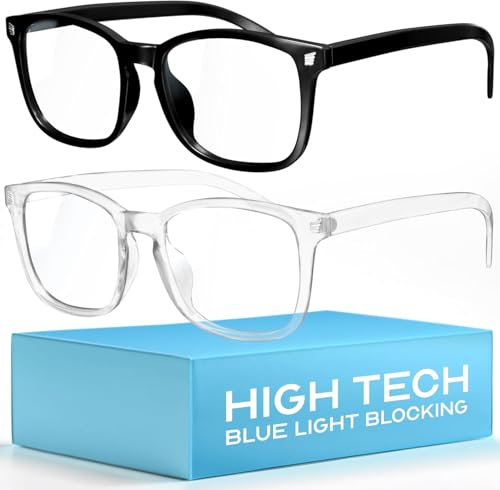
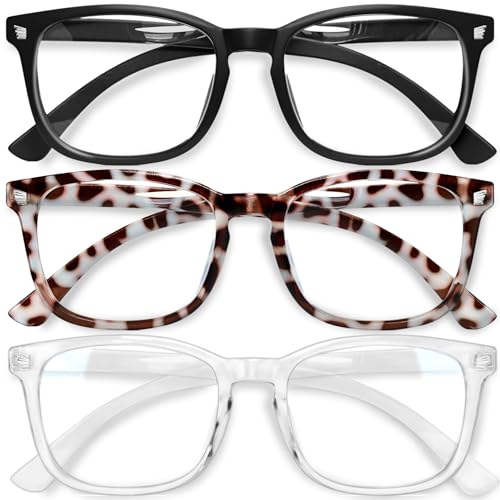
Adopting personal habits further reduces blue light impact while attending virtual events. Wearing blue light filtering glasses decreases exposure to high-energy visible wavelengths, particularly with lenses that block 40% or greater. Enabling night mode or blue light filters on laptops and smartphones before attending a virtual event after sunset supports melatonin production, aiding healthy sleep cycles. Following the 20-20-20 rule—looking at something 20 feet away for 20 seconds every 20 minutes—keeps eye strain to a minimum. Keeping screens at least 25 inches from my face and setting brightness to the lowest comfortable level also lessens discomfort. Each of these best practices provides an extra safeguard, especially when combined with supportive event platforms.
The Future of Blue Light Management in Virtual Event Platforms
Blue light management tools in virtual event platforms now prioritize user well-being. I see leading platforms developing smarter blue light filters, building on color temperature adjustment features from displays. Platforms such as Hopin and Webex already offer dark mode and adaptive brightness integrations, which drop blue light emission by up to 60% compared to standard themes.
Personalization capabilities evolve, letting attendees set custom blue light reduction schedules for different event types or times of day. I expect that, with machine learning, platforms will soon suggest optimal blue light settings based on session length and user engagement history. For example, a platform might automatically enable aggressive reduction modes during long webinars or after sunset, based on behavioral data.
Wearable technology also expands blue light defense. New models of blue light glasses synchronize with virtual event calendars or device settings. This ensures the correct lens filter activates for each event, especially important for webinars held at night.
I anticipate regulatory shifts, as digital wellness guidelines increasingly address blue light emissions. Standards from groups like the American Academy of Ophthalmology and the International Commission on Non-Ionizing Radiation Protection now inform design choices for virtual event interfaces.
Educating users stays foundational. I see event platforms including real-time blue light exposure dashboards, digital eye strain risk scores, and personalized break reminders. These features help attendees track habits, adopt blue light best practices, and use solutions such as glasses and screen adjustments consistently.
My ongoing research highlights that effective blue light management in virtual event platforms hinges on combining technology, education, and user empowerment. This integrated approach delivers the greatest benefits for eye health, cognitive performance, and sleep quality for those spending hours in virtual events.
Conclusion
As I keep navigating the world of virtual events it’s clear that blue light exposure is something I can’t ignore. The way platforms are evolving to address these concerns gives me hope that eye health and better sleep will become standard priorities for everyone spending hours online.
I’m excited to see how smarter features and user education will shape our digital experiences. By staying mindful and making small changes I know I can keep my screen time productive and comfortable—without sacrificing my well-being.
