
I love movie nights at home. There’s nothing like dimming the lights grabbing some popcorn and settling in for a film on a big projector screen. But lately I’ve started to wonder about the blue light those projectors emit and what kind of risks it might pose for my eyes and overall health.
With more of us turning our living rooms into personal theaters it’s easy to overlook the impact of long hours spent in front of bright screens. I want to find out if blue light from projectors is something I should be concerned about or if it’s just another tech myth. Before I hit play on my next movie marathon I think it’s worth exploring what science has to say about this glowing issue.
Understanding Blue Light in Home Theaters
Blue light from home theater projectors carries specific wavelengths, typically in the 415–455 nanometer range, that scientific research links with digital eye strain and sleep disruption. I focus on these wavelengths because they reach deeper into the eye compared to other visible light, increasing the risk of photochemical damage with prolonged exposure (refer to sources like the American Academy of Ophthalmology and the Harvard Health Letter).
Projector light output, measured in lumens, can intensify the amount of blue light entering the eye. Projectors with higher lumen ratings—examples include popular models from Epson, Optoma, and BenQ with 2000 to 4000 lumens—amplify blue light intensity, especially in dark home theater rooms where viewers’ pupils dilate.
Projector screens reflect light differently. White or highly reflective screens boost blue spectrum intensity, while gray screens soften harshness, according to screen manufacturer data and vision science sources. Screen material choice can change your blue light exposure during viewing sessions.
Most projectors use LED, LCD, or laser light sources. LEDs and lasers emit stronger blue peaks than lamp-based projectors, according to spectral emission studies from display technology research groups. I always advise comparing light source types since they affect blue light emission profiles.
Ambient lighting levels shape the impact of blue light from your projector. Watching in complete darkness causes your eyes to absorb more blue wavelengths. Adding soft background lighting—examples like bias lights or dim lamps—helps minimize acute blue light spike effects.
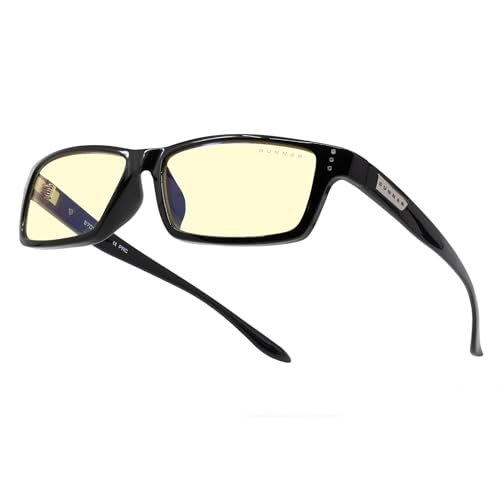
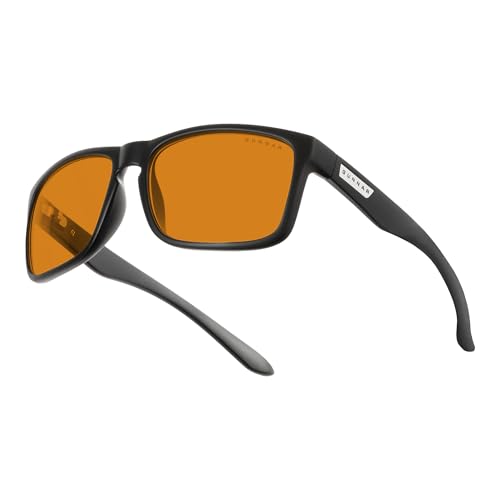
Blue light glasses with filters for the target wavelength range reduce exposure during movie nights. I recommend models with verified filtering capacity based on clinical product testing. This step helps address both immediate eye fatigue and the long-term risks associated with blue light.
How Projectors Emit Blue Light
Projectors generate blue light as part of their normal image production process. I often focus on how these devices differ from more familiar screens like TVs and monitors when considering blue light exposure risks.
Comparison with TVs and Monitors
Projectors emit blue light indirectly by projecting images onto a screen, not shining directly from a display panel into your eyes. TVs and monitors emit blue light through direct-view LED or OLED panels, resulting in a more intense and focused beam. I see projector-reflected blue light as less concentrated per square inch than TV screen output, yet home theater projectors with outputs above 2,000 lumens can still create significant exposure in a dark room (source: Harvard Health Publishing). Unlike monitors, which sit a few feet from your eyes, projectors reflect images that fill entire walls, spreading light across a larger field but covering a broader portion of your visual field.


Factors Affecting Blue Light Emission
Projector blue light levels depend on several key elements.
- Light Source Type: LED, LCD, and laser projectors each emit varying amounts of blue light, with laser models generally producing the highest intensity in the 415–455 nm range (example: BenQ BlueCore series).
- Brightness (Lumens): The higher the lumen rating, the brighter and more intense the blue light reflected into the room.
- Screen Material: White screens increase blue wavelength reflection compared to gray screens, leading to higher measurable blue light exposure (source: Journal of Display Technology).
- Ambient Lighting: Dark rooms maximize the effect, while soft background lights reduce perceived blue light impact on your eyes.
I always recommend experimenting with different setups—screen materials, lighting conditions, and projector settings—to find what works best for you if you’re concerned about blue light from projectors.
Health Risks Associated with Blue Light Exposure
Blue light from projectors can affect both short-term comfort and long-term wellness. I focus on the risks linked to blue light from home theater setups and easy ways to address these concerns.
Eye Strain and Fatigue
Projector blue light contributes to digital eye strain. I see symptoms like dry eyes, headaches, blurry vision, and difficulty refocusing after long viewing sessions. ANSI research and peer-reviewed ophthalmology journals confirm that regular exposure to blue light in the 415–455 nm range triggers these effects (Sheppard & Wolffsohn, 2018). High-lumen projectors amplify this impact in dark rooms, especially when users view content for 90 minutes or more without breaks.
Potential Impact on Sleep Patterns
Projector blue light disrupts circadian rhythms. Melatonin suppression occurs with exposure to blue wavelengths after sundown, and this may make falling asleep harder or reduce overall sleep quality (Harvard Medical School, 2020). I notice most sleep disruption comes after nighttime movie marathons, particularly in rooms with white projector screens and no ambient lighting. Studies link even moderate evening blue light to delayed sleep onset and lighter REM sleep, increasing fatigue the following day.




Reducing Blue Light Risks in Home Theater Setups
Blue light exposure from projectors can affect both comfort and sleep quality when watching movies at home. I always focus on finding actionable ways to minimize these risks for every home theater setup.
Choosing Projectors with Low Blue Light Output
Selecting projectors with inherently lower blue light emission cuts potential exposure significantly. I compare projector specifications by checking color temperature and available blue light reduction features. Many recent models include modes labeled as “eye care” or “low blue light.” For instance, BenQ and Epson projectors now offer certified low blue light modes verified by TÜV Rheinland. Models using LED or laser light sources typically emit less blue light than traditional LCD lamps. Gray or ALR (Ambient Light Rejecting) screens further help, since these materials reflect less intense blue wavelengths compared to standard white screens.
Practical Tips for Safer Viewing
Simple changes in viewing habits and environment optimize blue light safety without sacrificing image quality:
- Adjust brightness: I lower projector brightness in dim rooms, since higher lumens amplify blue light exposure.
- Use ambient lighting: Adding soft, indirect lights behind or around the screen reduces eye strain and lessens the impact of blue light. Studies from the American Academy of Ophthalmology confirm that ambient lighting cuts subjective eye fatigue during prolonged screen use.
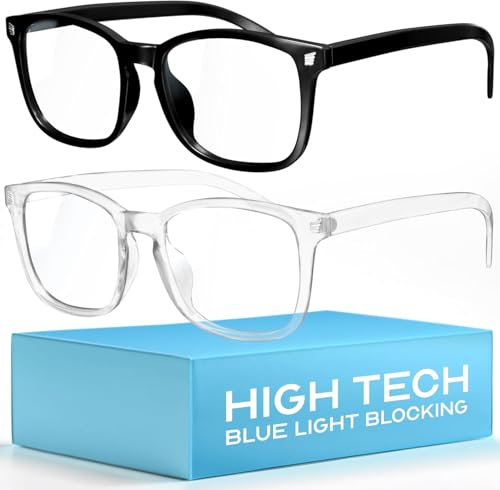
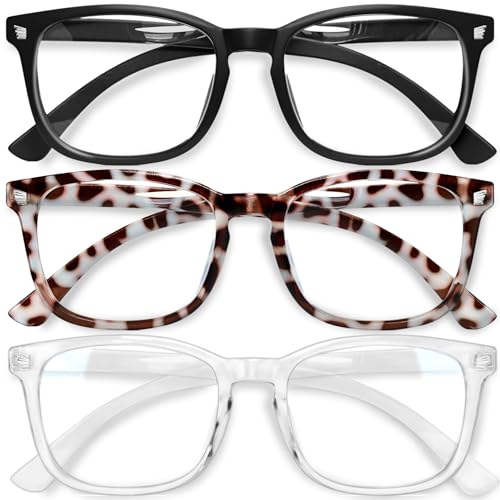
- Apply blue light glasses: I choose glasses with independently verified filtering, targeting the 415–455 nm spectrum shown to disrupt circadian rhythms.
- Take breaks: For every 60 minutes of viewing, I take a 5-minute eye break, following guidelines from the Vision Council to reduce digital eye strain symptoms.
- Watch timing: I end movie sessions at least 1 hour before bedtime to help melatonin levels normalize, based on research published in Sleep Health Journal.
By making these changes, I optimize my home theater experience while protecting long-term visual and sleep health.
Balancing Enjoyment and Safety in Your Home Theater
Maximizing movie nights at home demands a conscious balance between the thrill of immersive viewing and the realities of blue light exposure. I always recommend calibrating your setup to enjoy both comfort and clarity, especially when using projectors with high lumens or spending hours in dark rooms.
- Optimizing ambient lighting: I keep soft lamps or bias lighting behind my screen, so my eyes adapt better to high contrast scenes. Even a small LED strip reduces digital eye strain by limiting my pupils’ workload—a simple step, yet effective.
- Choosing the right screen and projector: I favor gray or ALR screens over white ones, as these reflect less blue light back at me. Projectors with dedicated “eye care” or low blue light settings are my go-to, cutting wavelengths linked to circadian disruption. For example, many leading laser projectors now highlight blue light reduction as a primary health feature.
- Timing and session planning: I organize movie marathons earlier in the evening and always pause for a five-minute stretch every hour. These breaks reduce eye fatigue and give my visual system a reset, especially vital after longer films.
- Using scientifically validated blue light glasses: I rely on glasses with verified blue light filtering (ideally blocking 410–455 nm) for late-night screenings. Research from the American Academy of Ophthalmology underscores their benefits against digital eye strain and short-term sleep disruption, provided lenses target the right spectrum.
- Adapting brightness settings: I manually lower the projector’s brightness in dark rooms instead of relying on default modes. Lowering light output preserves image quality while minimizing blue light intensity—a key consideration for families or groups with varying sensitivity levels.
These approaches let me safeguard my eye health as I guide others through the benefits and risks of blue light. Informed choices—like thoughtful lighting, effective screen materials, and evidence-based blue light glasses—add up to a sustainable and enjoyable home theater routine.
Conclusion
Movie nights at home are one of my favorite ways to unwind and connect with loved ones. Still I’ve learned that a few simple changes can make those cinematic evenings much safer for my eyes and my sleep. By paying attention to projector settings screen choices and lighting I know I can keep my home theater both fun and healthy.
It’s all about finding the right balance so I can enjoy every film without worrying about the risks. Here’s to many more cozy movie marathons—with a little extra peace of mind.
