
As a video editor I know how easy it is to get lost in hours of footage while chasing that perfect cut. My screen becomes my world and sometimes I barely notice how tired my eyes feel until I finally look away. The constant focus on tiny details and color grading can really take a toll.
Digital eye strain isn’t just a buzzword—it’s something I face almost every day. Those headaches dry eyes and blurry vision sneak up on me if I’m not careful. If you spend your days editing videos like I do you’ve probably felt it too. Let’s take a closer look at why this happens and what we can do to keep our eyes healthy while doing the work we love.
Understanding Digital Eye Strain in Video Editors
Video editors like me experience digital eye strain because blue light from monitors and editing screens disrupts normal eye function. Blue light peaks in the 400–490 nanometer range and penetrates deep into the retina (Harvard Health Publishing). Extended exposure during editing sessions triggers symptoms—headaches, dry and itchy eyes, watery vision, and even focus loss. These symptoms affect productivity and creativity, especially when fine-tuning color grading or cutting footage for hours without breaks.
Editing tools and software interfaces use high-contrast, bright UI colors that increase blue light output. Screen brightness, refresh rates, and color temperature all affect eye strain, with white-balanced screens emitting more short-wavelength blue light. I notice increased discomfort on days when room lighting doesn’t match screen intensity, making my eyes work harder to adjust to contrasting light sources.
Staring at multiple displays—common for multi-cam or timeline work—exposes editors to more blue light, compounding digital eye strain. When my workflow involves side-by-side monitors and color reference screens, my eyes feel more fatigued because of the cumulative effects of scatter from different sources. People who edit in long blocks, like me, and skip scheduled eye rest amplify the risk for digital eye strain.
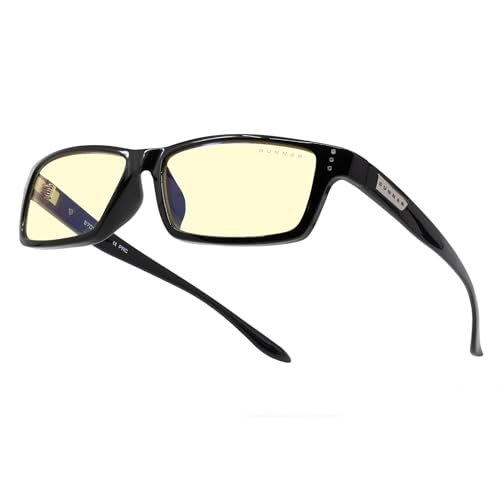
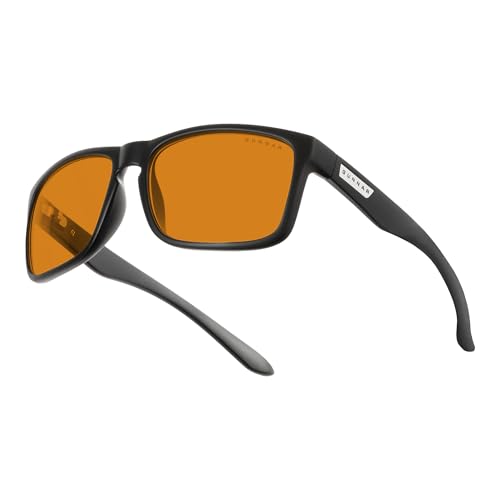
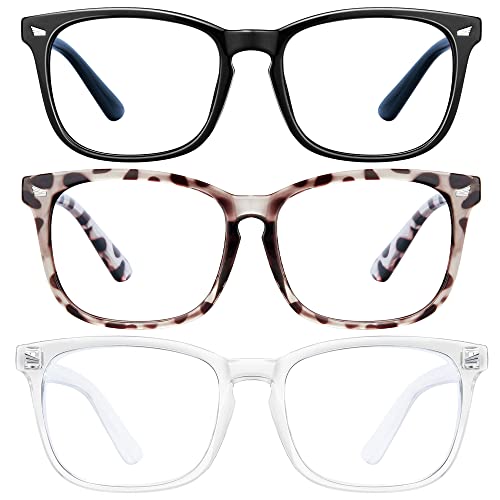
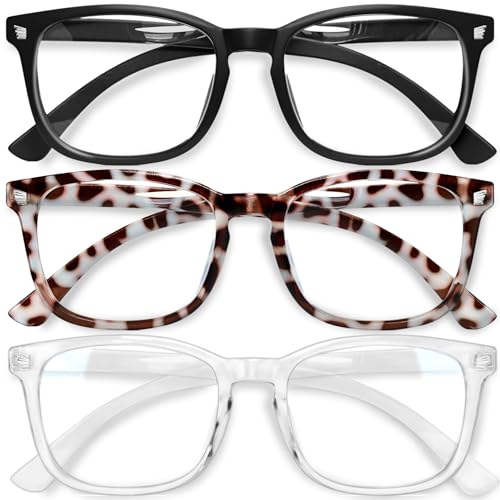
Blue light glasses specifically target this challenge by filtering or absorbing a significant portion of harmful wavelengths before they reach the retina. For example, lenses treated with yellow or amber tints selectively block more blue wavelengths, which can reduce reported symptoms. I recommend these to fellow editors who want to minimize blue light exposure and protect visual comfort during long video editing projects.
Common Causes of Eye Strain for Video Editors
Digital eye strain often disrupts video editors’ workflow. I see specific patterns and habits that contribute most to discomfort, especially for those exposed to high blue light levels and glare during editing sessions.
Prolonged Screen Time
Spending extended periods editing video puts constant strain on the eyes. I often notice symptoms like stinging and temporary blurred vision after sessions lasting 3+ hours. The intensity rises with continuous concentration and minimal blinking, which reduces natural lubrication.
Inadequate Workspace Lighting
Lighting choices in an editing workspace affect how the eyes process blue light from displays. I find that setups with harsh overhead lights or low ambient lighting increase glare and contrast. Glare becomes more severe when strong backlight or sunlight hits the work area at midday, making it difficult for the eyes to adjust between the screen and room environment.
Poor Monitor Settings
Monitor settings greatly influence how much blue light reaches the eyes. When default configurations use high brightness and color temperature, my experience shows symptoms worsen. Color profiles with raised blue light emissions, especially above 6500K, can trigger fatigue. Misaligned contrast settings also force the eyes to work harder, especially when editing footage with fast or dramatic color shifts.



Symptoms of Digital Eye Strain
Digital eye strain symptoms are common among video editors who spend over two consecutive hours in front of screens. I often notice tiredness in my eyes after reviewing extensive footage. Most editors I know report headaches, usually starting as a dull ache behind the eyes after long sessions, especially when using bright monitors.
Blurred or double vision appears frequently in editors switching between multiple screens or color-correcting for several hours. I also experience dry or itchy eyes, which intensify when I forget to blink as I focus closely on editing tasks. Redness and watery eyes signal irritation caused by exposure to blue light and infrequent breaks.
Neck, shoulder, or back pain often accompanies digital eye strain. My posture shifts after long hours, contributing to physical discomfort, especially when my workspace lighting doesn’t match my monitor’s brightness. Sensitivity to light becomes noticeable after continuous exposure; I see this mostly when I leave editing software with high-contrast interfaces.
These symptoms, while mild at first, increase in frequency and severity with unfiltered blue light exposure. Consistent experience with blue light glasses helps me reduce most of these issues, including focusing difficulties and stinging eyes, while editing for extended periods.
Effective Prevention and Relief Strategies
Digital eye strain affects video editors due to blue light exposure, sustained screen focus, and less-than-ideal editing environments. I’ve learned that a few proactive steps offer effective relief and genuine preventive benefits.



Implementing the 20-20-20 Rule
Adopting the 20-20-20 rule helps reduce eye strain in video editing workflows. Every 20 minutes, I look at something 20 feet away for 20 seconds, provided the editing session reaches the 20-minute mark. This micro-break allows my eye muscles to relax, easing fatigue from staring at screens showing intricate timelines or color corrections. By integrating these structured pauses, I notice fewer headaches and less eye discomfort after high-intensity editing sessions.
Optimizing Workstation Ergonomics
Configuring the workstation setup provides essential support for visual health. I position my monitor so the center sits about 15-20 degrees below eye level, as recommended by the American Optometric Association. Distance between my eyes and the screen typically ranges from 20 to 28 inches, letting my eyes naturally shift focus to other objects in the room. Adjusting ambient lighting reduces glare and harsh light contrasts, especially when I match the screen’s brightness with the room. Supportive seating and adjustable armrests reduce muscle fatigue that can worsen digital eye strain.
Using Blue Light Filters and Screen Breaks
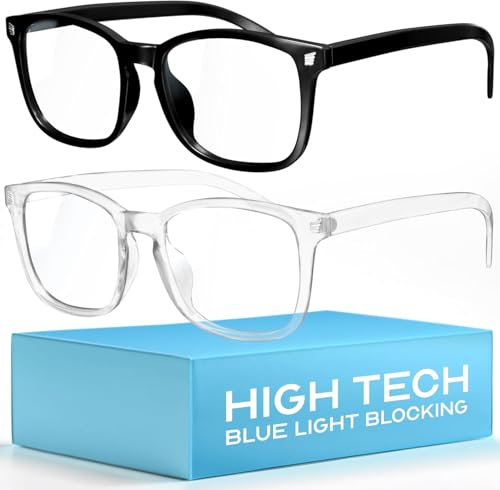
Applying blue light filters directly tackles wavelengths that strain the eyes. I use dedicated software, such as f.lux or built-in Night Shift features, to lower blue light emission, especially during evening sessions. Blue light glasses enhance this defense by filtering out short-wavelength light, and I wear them each time I start an editing project longer than two hours. Frequent screen breaks, taken every hour, let me hydrate and re-lubricate my eyes, helping prevent dryness and preserving comfort on long editing days.
| Preventive Strategy | Details | Supporting Tools/Measures |
|---|---|---|
| 20-20-20 Rule | Look 20 feet away for 20 seconds every 20 minutes | Timer apps, phone alarms |
| Workstation Ergonomics | Monitor at 15-20° below eye level, 20-28” away | Adjustable chairs, dimmable lighting |
| Blue Light Filters & Screen Breaks | Software filters, blue light glasses, hourly breaks | f.lux, Night Shift, specialized eyewear |
Recommended Tools and Products for Relief
Blue light glasses
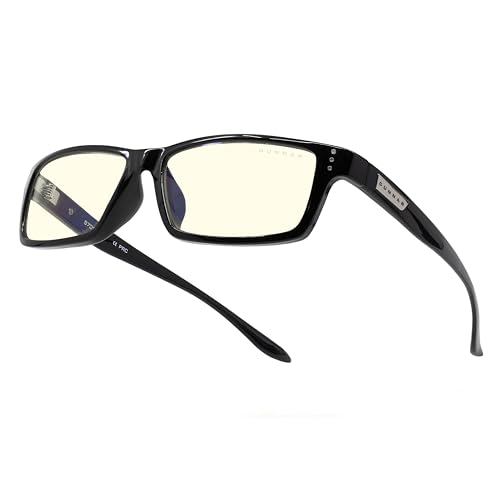
I rely on blue light glasses from brands like Felix Gray, Gunnar, and JINS for daily editing. These glasses filter 30%-60% of blue wavelengths, providing relief from digital eye strain symptoms by reducing glare and offering comfortable frame options for long sessions.
Screen filters
I recommend physical blue light screen filters for monitors, such as the Ocushield or VizoBlueX. These shields attach directly to displays, blocking a significant portion of blue light and minimizing eye fatigue during multiple-monitor setups.
F.lux and color temperature apps
I trust f.lux, Iris, and native Night Shift on Mac or Night Light on Windows as essential software. These applications automatically adjust color temperature to warmer tones after sunset, lowering blue light intensity and easing eye strain during nighttime edits.
Humidifiers
I add desktop humidifiers from brands like Honeywell or Levoit in my workspace. These devices keep air moisture stable, reducing dryness and discomfort that often come with long editing sessions under artificial lights.
Artificial tear drops
I use preservative-free artificial tears, such as Systane or Refresh, for immediate relief from dry or burning eyes after hours of screen exposure. These drops help maintain eye lubrication when humidity or break frequency falls short.
Anti-glare monitor coatings
I look for monitors with built-in anti-glare coatings, such as models from BenQ, Dell UltraSharp, or ASUS ProArt. These coatings reduce ambient light reflections, allowing my eyes to maintain focus with less effort.
Task lighting
I choose desk lamps with adjustable color temperature and intensity, like BenQ’s ScreenBar or Philips Hue. These lights help me balance workspace illumination, supporting proper contrast between the screen and environment for optimal comfort.
Conclusion
As someone who’s spent countless hours in front of editing screens I know firsthand how easy it is to overlook the impact digital eye strain can have on daily life. Taking a few simple steps to protect your eyes really makes a difference in comfort and productivity.
Prioritizing eye health isn’t just about getting through your next project—it’s about enjoying your work for years to come. With the right habits and tools you can keep your eyes feeling fresh and focused no matter how long the editing session lasts.
